Most jump days start with a phone in a pocket and hope. Great stills on a phone are possible if you treat the device like a limited camera — and you do not try to freefall and shoot freefall at the same time.
Many operators ban loose personal cameras mid-activity or require approved action mounts only. Phones in pockets during the jump are a bad plan for gravity and for anyone underneath you.[1]
Before you leave the hotel
Clean the lens. Free storage. Charge to 100% and bring a small power bank for after. Turn on burst or continuous modes you already understand. Kill novelty filters that add lag. Set lock screen so a friend can open the camera without your banking apps.
Assign roles
You jump. Someone else shoots. That split is the whole strategy. Brief them: horizontal for landscape sites, a few verticals for stories, focus on face at the edge, then step back for full body against the void. Ask them not to narrate loudly if noise spikes your nerves.[2]
Spectators usually have designated areas — use them.[3]
Settings that actually help
- Wide camera for platform and bridge context; standard lens for faces.
- Tap to expose on the jumper's face so bright skies do not silhouette you into a mystery blob.
- HDR if it handles sky and skin without plastic processing; skip if it smears motion.
- Burst as they step — one perfect frame beats twenty mid-scream clones you will never post.
- Lock focus/exposure if your phone allows, once the edge position is set.
What the phone should not do
Midair selfie sticks. Unapproved mounts. Leaning over barriers. Arguing with crew about "just one shot." Freefall is what staff cameras and official packages are for at many big sites — sometimes included in the price.[1][3]
Your phone's best work is the night before, the bus, the harness face, the legs-shaking café after. Those frames are the ones official edits often skip.
Bottom line: clean lens, designated shooter, expose for faces, burst at the step, freefall left to policy-approved cameras. That is the phone stills playbook.
Sources
- AJ Hackett Bungy NZ: FAQs (cameras, media packages)
- AJ Hackett: prepare blog (personal cameras vs official media)
- AJ Hackett: Kawarau spectators and photo/video
- Bloukrans Bungy: bring a camera for moments; buy jump media
Image credits
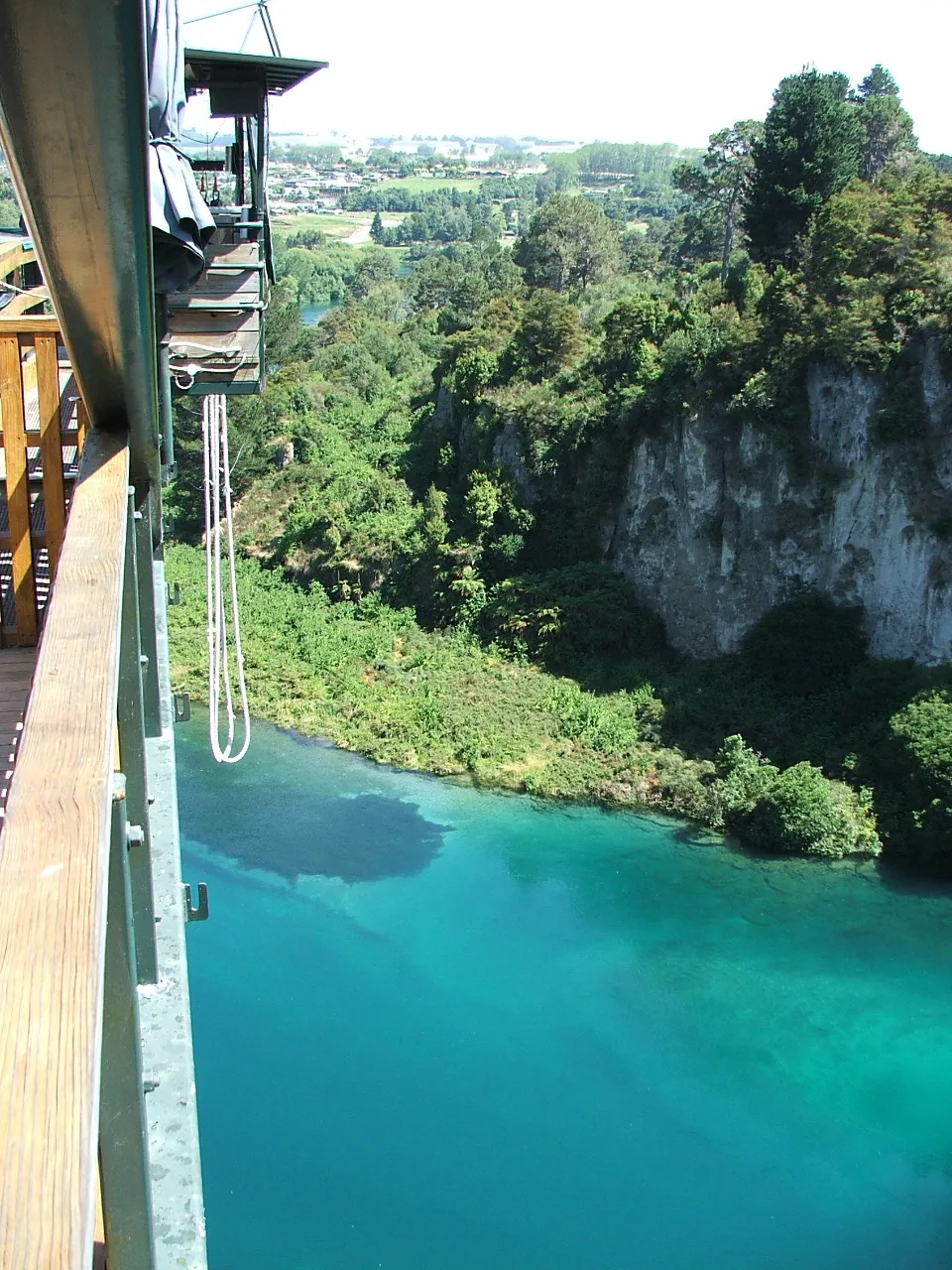
- Hero image: site asset for phone-stills-bungee-jump-day
- Inline: Thajsko / Wikimedia Commons (CC BY 3.0)