Most jump days begin with a phone in a pocket and a hope that “it will be fine.” Great stills on a phone are absolutely possible - if you treat the device like a limited but capable camera and you do not try to film your own freefall while also being the freefall.[1][2]
Before you leave the hotel
Clean the lens. Free storage. Charge to 100% and bring a small power bank for after. Turn on burst or continuous shot modes you already understand. Disable novelty filters that add processing lag. Set the lock screen so a friend can open the camera quickly without your banking apps.[2][3]
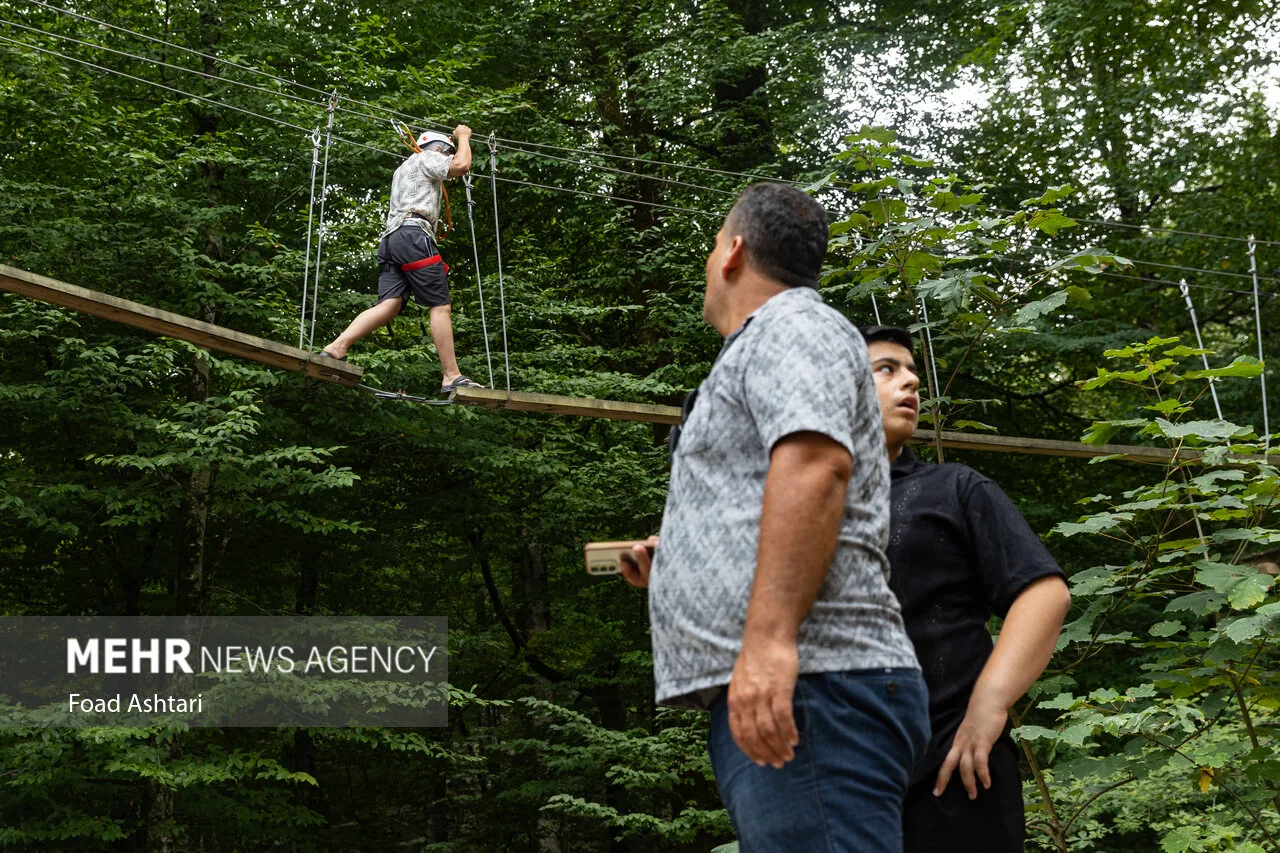
Assign roles
You jump. Someone else shoots. That split is the entire strategy. Brief your shooter: horizontal frames for landscape sites, a few verticals for stories, focus on face at the edge, then step back for full-body against the void. Ask them not to narrate loudly if noise spikes your nerves.[1]
Settings that actually help
Prefer the wide camera for platform context; switch to the standard lens for faces. Tap to expose on the jumper’s face so bright skies do not silhouette you into mystery. Use HDR or smart HDR if it handles sky and skin well on your model - test once at breakfast. Burst through the step; delete later.[3]
Composition cheat codes
Include a slice of structure - rail, bridge beam, tower lip - so height reads. Leave space in the direction of the fall. Capture hands on harness, not only heroic arm poses. After recovery, shoot the ugly-beautiful: messy hair, official certificate, crew high-five. Those frames age better than forced midair glory.
What phones should not do
Do not mount an unapproved phone on your body for freefall. Do not lean over operational edges. Do not argue with staff about “just one selfie on the plank.” Official packages exist because midair sharpness and angles are hard; buying them is not failure, it is division of labor.[1][4]
Great phone stills are mostly preparation and restraint. Capture the human day around the jump, trust professionals for the impossible angle, and you will scroll home through a gallery that feels like memory - not like a blurry panic with a timestamp.[2]
Sources
- AJ Hackett Bungy NZ - media and guest experience (2026)
- Google - Pixel photography tips (mobile stills) (2025)
- Apple Support - iPhone camera features overview (2026)
- Skypark Macau - high commercial bungy context (2026)
Image credits
- Photo: Stutfield, Hugh Edward Millington, 1858-1929. [from old catalog]; Collie, Norman, 1859-1942, joint a / Wikimedia Commons (No restrictions)
- Photo: Fouad Ashtari / Wikimedia Commons (CC BY 4.0)